
Throw Food For Animals Halloween: Pets & Zones Guide
Explore Throw Food For Animals Halloween zones, new food tiers, spooky pets, and the Pumpkin Monster's scaling income. Plan your next upgrades and catches.
Jump to

What Does the Halloween Update Add?
The Throw Food For Animals Halloween update takes your collection beyond ShadowRealm into HarvestField and PhantomHarbor. Tier 15 and Tier 16 food expand the shop, while spooky creatures give you new income earners to chase. The seasonal Pumpkin Monster also scales with your strongest animal, making each stronger catch valuable beyond its own earnings.
The update keeps the familiar progression loop: throw food, collect animals, earn cash, and train on pull-up stands to increase Throw Power. Halloween adds later areas and themed collectibles to that loop, including witches, ghosts, a Grim Reaper, and a lich.
Open the animal index and scroll past ShadowRealm to find HarvestField and PhantomHarbor. Use those sections to browse the creatures ahead of you, then work on reaching their areas through training and food upgrades.
How to Reach HarvestField and PhantomHarbor
Your throwing strength matters even after you can afford expensive food. Buying another item and improving your Throw Power are separate parts of progression, so keep both moving.
 Image: Roblox / Goofy Chupacabra
Follow this upgrade cycle:
- Collect animals and equip your stronger earners. Use Equip Best to update your active lineup as your collection improves.
- Upgrade your pull-up stand. Better training equipment increases the gains you can make while exercising.
- Train, then test your throwing distance. Check which area your food reaches before deciding what to upgrade next.
- Buy better food as your income grows. Work toward the added Tier 15 and Tier 16 options.
- Replace weaker animals in your pen. Keep more of your active slots earning at the level of your current area.
If your plot fills up, check its capacity upgrades. More room lets you place additional animals, while replacing low earners improves the value of the slots you already have.
The Halloween build reaches a training cap at level 1,247. Keep that number separate from your immediate goal: reaching the next area. Test throws along the way instead of waiting until you finish training completely.
Choosing Which Catches to Keep
Compare income per second when deciding what belongs in your pen. A dramatic appearance or a rare-looking border does not tell you how much an animal contributes to your cash flow.
The update includes mutated catches such as Gold, Diamond, Rainbow, and Ruby variants. Check each catch’s displayed earnings against your current lineup before replacing anything. Keep collecting within a newly reached area to improve several slots, rather than relying on a single strong animal to carry the whole pen.
How the Pumpkin Monster’s Income Works
The Halloween shop includes a Halloween egg and a purchasable Pumpkin Monster. The Pumpkin Monster’s key feature is its income scaling: it earns 900% of your best animal’s income, or nine times that animal’s earnings.
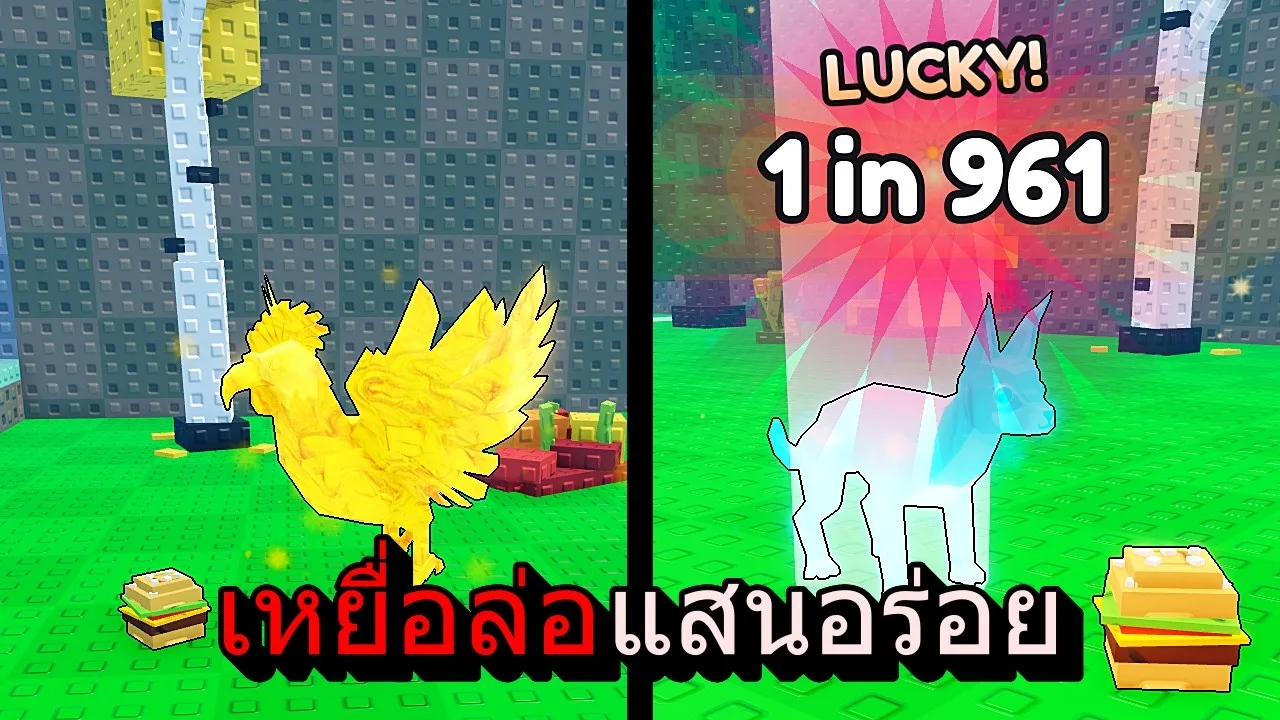
For example, a best animal earning 30 million per second gives the Pumpkin Monster an income of 270 million per second. When your strongest animal improves, the monster’s income rises with it.
That creates a clear priority if you own one: keep pursuing stronger regular animals. A new personal best improves its own contribution and raises the Pumpkin Monster’s earnings at the same time.
Use Equip Best after a strong catch, then check your pen’s income. Keep upgrading your training equipment and food alongside your collection; the monster boosts earnings, while training still supplies the Throw Power needed to reach farther areas.
Paid Upgrades to Compare Before Spending Robux
The Pumpkin Monster is a Robux purchase. The game also offers two permanent passes that affect different parts of your progression:

| Game Pass | Price | Effect |
|---|---|---|
| x2 Training Power | 149 Robux | Double XP on every pull-up |
| x2 Cash | 99 Robux | Double cash from every animal |
Match a purchase to the part of progression you want to speed up. Compare the training pass when working on Throw Power, or the cash pass when focusing on animal earnings.
Before buying, inspect your current pen and equipment. Equip stronger animals already in your collection, purchase affordable stand upgrades, and check your next food option. Those existing upgrades give you a clearer picture of what you still want from a paid boost.
Play Throw Food For Animals on Roblox to browse the Halloween areas and seasonal shop.
Continue with
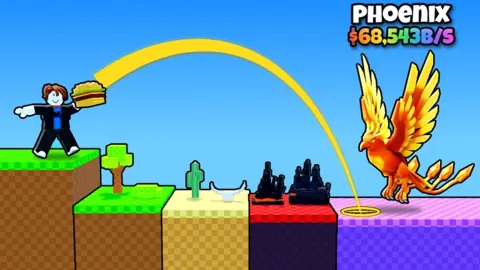 Throw Food For Animals Pumpkin Monster: 9x Cash GuideGet the Throw Food For Animals pumpkin monster, learn how its 900% income scaling works, and use stronger animals to boost your Halloween event cash flow.
More in Halloween
See all HalloweenContinue exploring

Join the community
Official channels for news, updates and player help: