Throw Food For Animals Perfect Throw: Timing Guide
Master the Throw Food For Animals perfect throw with timing tips, Throw Power training, and food upgrades to help your throws reach farther animal zones.
Jump to
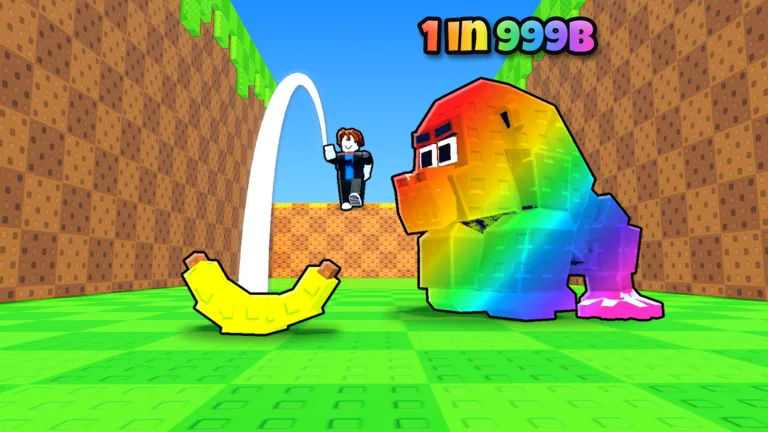
How to Land a Perfect Throw
A Throw Food For Animals perfect throw comes down to timing your click right on the line. Getting that timing right matters when your food falls just short of the next animal area. Pair a full-charge throw with more Throw Power to push farther down the course.
Follow this sequence when throwing:
- Stand at the marked throwing spot. Approach the line with your food ready.
- Click to begin throwing. Watch the timing line before committing your input.
- Time your click right on the line. Aim for a full charge instead of clicking early.
- Let the food land and the animal eat it. Finish the catch before judging the reward.
Watch both your timing and your landing area. An incomplete charge can still carry food into Jungle, so reaching a familiar zone doesn't automatically mean you nailed the release. Near a distance boundary, that missed charge can make the difference between reaching the next area and landing short.
Keep your food and strength unchanged for a few attempts while practicing. Compare where clean throws land against mistimed ones. That gives you a useful way to separate a timing mistake from a need for more training.
Build Throw Power and Check Your Distance Setting
Perfect timing works alongside your strength. The progression loop in Throw Food For Animals on Roblox includes training on pull-up stands to gain Throw Power, then using that power to reach new areas.
When clean throws keep landing short:
- Return to the pull-up stand. Train to increase your Throw Power.
- Upgrade your training equipment. Spend animal income on the pull-up bar, then continue training.
- Try another full-charge throw. Compare the landing area with your earlier attempts.
- Check the gear icon beside your strength stat. It opens the adjustment for how far you throw.
Check that distance adjustment before committing to another long training session. If you're trying to reach farther animals, review whether your current setting matches that goal.
Keep training equipment and accumulated strength separate in your upgrade routine. Buying a better bar is followed by doing more pull-ups; the purchase is a step in the training loop.
The optional x2 Training Power pass costs 149 Robux and doubles XP from each pull-up. Continue practicing your release timing while building strength.
Upgrade Food Without Expecting a Guaranteed Catch
Better food helps attract rarer animals, while Throw Power helps you reach farther areas. Work on both parts of that progression instead of expecting precise timing to handle everything.
Use this upgrade loop:
- Catch animals with your current food.
- Earn money from the animals in your pen.
- Buy better food and upgrade your pull-up stand.
- Train, then return to the throwing line.
Avoid assigning each food a guaranteed animal. An apple can attract different catches, including a bird or a badger. A perfect release is a distance goal, not a promise that your next animal will be the rarest one available.
Judge catches by their income as well as their appearance. Animals earn money that funds further upgrades, so a useful catch can help you progress even when it isn't the creature you wanted.
Clear Pen Space When You Can't Throw
A full pen can stop you from throwing again. When the game blocks another attempt, check your animal capacity before troubleshooting your timing.
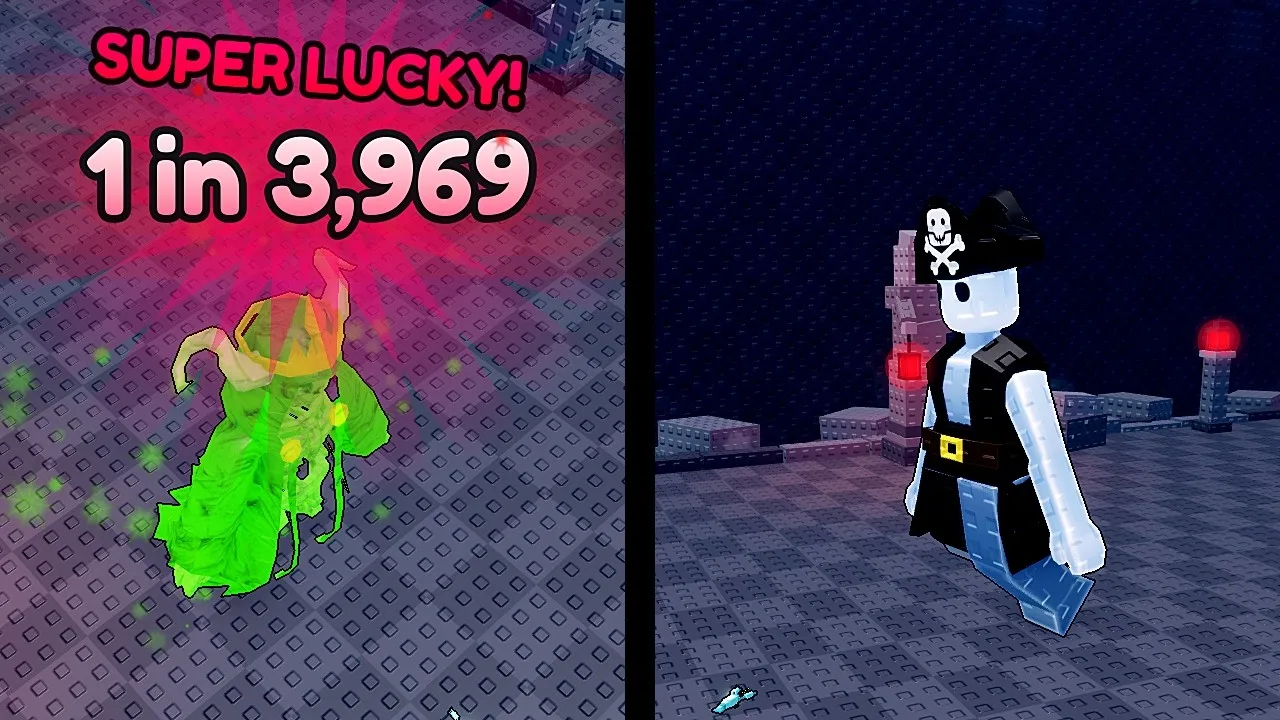
Upgrade the pen to add slots, or use the sell shop to remove animals you no longer want. Compare their earnings before selling so you can keep the animals funding your food and training upgrades.
Check the next pen upgrade's price before buying it. Capacity costs rise through progression, so compare that purchase with your available cash and other upgrades.
Continue with
 Throw Food For Animals Throw Distance: Power GuideImprove your Throw Food For Animals throw distance with pull-up training, better timing, and range settings. Learn how to reach farther areas on Roblox.
More in Throwing & Training
Throw Food For Animals Level Cap: Max Level Explained
Throw Food For Animals level cap is 1,247 in the Halloween build. Learn how training works, which food reaches Tier 16, and what to pursue at max level.
Throw Food For Animals Training: Throw Farther Faster
Improve Throw Food For Animals training with pull-up bar upgrades, better throw timing, and smarter spending to reach new areas and collect rare animals.
Join the community
Official channels for news, updates and player help: